
Samsung One UI 8.5: What to expect
News
Jan 23, 2026
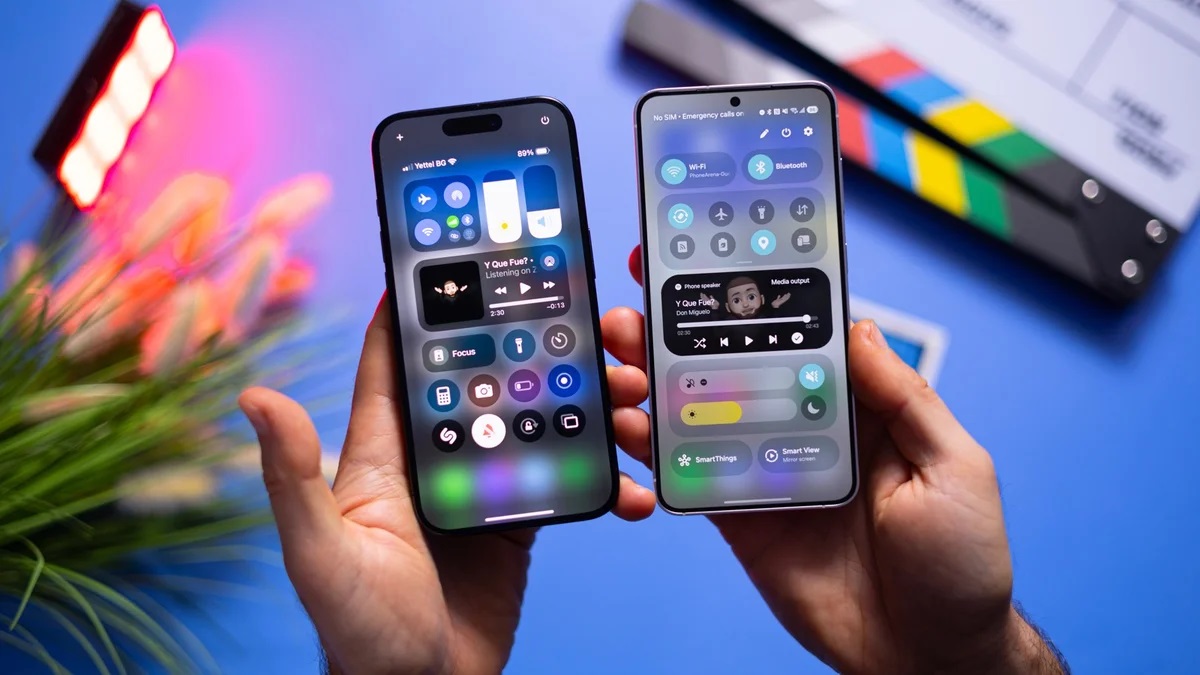
Samsung’s One UI has matured significantly since its early days and is now far removed from the awkward TouchWiz era. The latest One UI 8.5 beta clearly shows how far the interface has evolved.
What was once an unpolished Android skin has turned into one of the most refined experiences on the platform. While it’s still not flawless, One UI stands out as one of the best Android interfaces available today, and deep customization is only part of the reason why.
One UI 8.5: The New Features
Interface changes
One UI introduces a new floating tab bar inspired by iOS 26’s Liquid Glass concept. App-specific actions will appear in a pill-shaped bar at the bottom of the screen, improving one-handed use in apps like Phone, Clock, Gallery, and more.
Samsung DeX is also getting smarter, as it will now remember window sizes and positions. This makes DeX feel more like a compact desktop environment rather than a temporary phone-based feature.
A standout update comes to the QuickStar module in Good Lock. Users will gain unprecedented control over Quick Settings toggles, including the ability to add custom images or photos as toggle backgrounds. This level of personalization goes beyond what even Google currently allows.
That said, extreme customization comes with risks. Without restraint, Quick Settings can quickly turn into a visually chaotic mix that sacrifices usability for flair.
Home Up, another key Good Lock module, is receiving major enhancements. Users will be able to resize widget content, remove background blur, and unlock more layout flexibility. It will also be possible to merge Apps, Tasks, and People into a single expanded Edge panel.
Additionally, users can fully disable the bottom swipe gesture to avoid accidental app closures. You’ll also be able to hide specific apps from the Direct Share menu, keeping only preferred apps at the top. It’s a long-overdue feature that finally makes its way into One UI.
Galaxy Z Fold 7 users will benefit as well, with the option to change the number of favorite apps on the cover display. This makes One UI 8.5 especially appealing for foldable devices.
Photo Assist
Samsung is refining on-device AI photo editing by allowing multiple edits to be applied without saving each step manually. Once editing is complete, the app will present all changes together, letting you keep only the versions you like. This keeps the creative flow uninterrupted.
Quick Share
File and image sharing is becoming smarter. Your Galaxy device will automatically detect faces in photos and suggest sending them to matching contacts. While convenient, it does rely on accurate profile photos in your contacts list.
Storage Share
One UI 8.5 strengthens the Samsung ecosystem. If you own multiple Samsung devices, such as a Galaxy tablet or Samsung TV, you’ll be able to access your phone’s storage directly from those devices. This removes the need for manual file transfers and improves continuity, as long as all devices are signed into the same Samsung account with Wi-Fi and Bluetooth enabled.
Audio Broadcast
With support for Bluetooth LE and Auracast, Galaxy devices will connect seamlessly to compatible headphones, earbuds, TVs, and assistive hearing devices.
Your phone can also function as a voice broadcaster when Audio Broadcast is enabled, projecting your voice through connected devices. Essentially, it turns your Galaxy into a personal digital megaphone.
Theft protection
Security is also getting an upgrade. One UI 8.5 introduces Theft Protection, which automatically locks the device after repeated failed attempts using fingerprints, PINs, or passwords. It’s a simple but effective security improvement.
One UI 8.5: The cherry on top, or…?
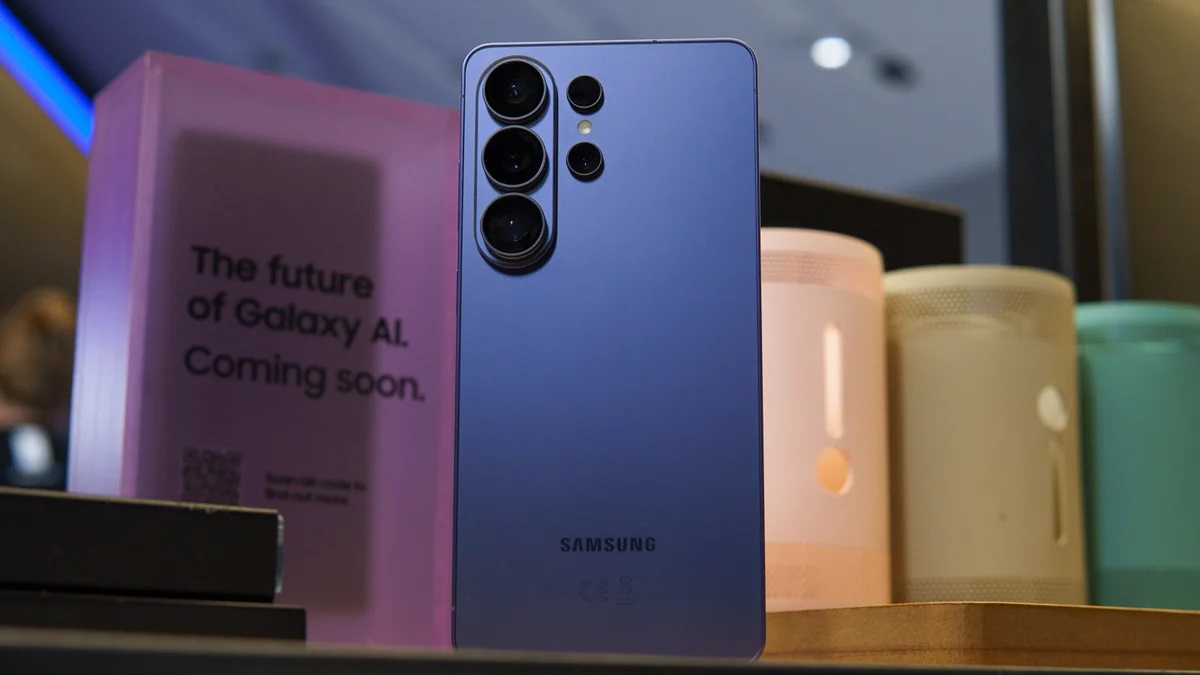
At this point, One UI 8.5 is expected to launch globally alongside the Galaxy S26 lineup. Samsung traditionally pairs major software updates with flagship releases, and the S26 series is likely to be the centerpiece update for early 2026.
Samsung has clearly refined its interface strategy and is now heavily rewarding power users who value customization, largely thanks to the Good Lock ecosystem.
Even for users who prefer minimal customization, it’s hard to argue against One UI being one of the strongest stock Android experiences available today.

Latest
Jul 31, 2026
News
May 29, 2026
News